# Spanish Technology Vocabulary: Complete Tech and the Internet Terms Guide
> Learn essential Spanish technology vocabulary for computers, internet, apps, and social media. Includes hardware terms, software phrases, and more.
**URL:** https://migaku.com/blog/spanish/spanish-technology-vocabulary
**Last Updated:** 2026-03-14
**Tags:** vocabulary, phrases, listicle
---
[Learning Spanish](https://migaku.com/learn-spanish) in 2026 means you need more than just food and travel vocabulary. You need to know how to talk about computers, apps, social media, and all the digital stuff that fills our daily lives. Whether you're working with Spanish-speaking colleagues, traveling, or just trying to understand tech tutorials in Spanish, having solid Spanish technology vocabulary makes everything easier. This guide breaks down the essential tech terms you actually need, from basic hardware to internet slang.
----
## Essential computer hardware vocabulary in Spanish
Let's start with the physical stuff. Computer hardware terms in Spanish are pretty straightforward once you learn the basics.
- The computer itself is **"la computadora" ** in most Latin American countries or **"el ordenador" ** in Spain.
- Your screen is **"la pantalla," ** and the keyboard is **"el teclado." **
- The mouse? That's **"el ratón" ** or sometimes **"el mouse" ** (Yes, they borrowed the English word in many places).
Here are more hardware terms you'll use all the time:
| Spanish | English |
| - | - |
| el disco duro | Hard drive |
| el procesador | Processor |
| la memoria | Memory / RAM |
| la memoria USB / el pendrive | USB drive |
| la impresora | Printer |
| el escáner | Scanner |
| la cámara web | Webcam |
| los auriculares / los audífonos | Headphones |
| el altavoz / la bocina | Speaker |
| el micrófono | Microphone |
| el cable | Cable |
| el cargador | Charger |
| la batería / la pila | Battery |
**Electronic devices beyond computers** also have their own vocab.
| Spanish | English |
| - | - |
| el teléfono inteligente / el smartphone | Smartphone |
| la tableta / la tablet | Tablet |
| la computadora portátil / el portátil | Laptop |
| el botón de encendido | Power button |
| los puertos | Ports |
| Bluetooth | Bluetooth (pronounced with a Spanish accent) |
----
## Software and digital interface terms
Software vocabulary in Spanish gets interesting because some terms are direct translations while others are borrowed English words that Spanish speakers just adopted.
- Software itself is **"el software" ** (same word).
- An app or application is **"la aplicación" ** or more casually **"la app." **
- A program is **"el programa." **
When you're navigating a computer interface, you need these terms:
| Spanish | English |
| - | - |
| la ventana | Window |
| el icono | Icon |
| el menú | Menu |
| el archivo | File |
| la carpeta | Folder |
| el documento | Document |
| la barra de herramientas | Toolbar |
| el escritorio | Desktop |
| el navegador | Browser |
| la pestaña | Tab |
| el enlace / el link | Link |
| el botón | Button |
| la configuración / los ajustes | Settings |
| los sistemas operativos | Operating systems |
| Windows | Windows |
| macOS | macOS |
| Linux | Linux |
| la contraseña | Password |
| el nombre de usuario | Username |
| la verificación en dos pasos | Two-step verification |
----
## Internet and networking Spanish vocabulary
Internet vocabulary in Spanish is super practical because you'll use it constantly.
- The internet is simply **"el internet" ** or **"la internet" ** (both genders work, though "el" is more common in Latin America).
- WiFi is **"el wifi" ** (same spelling, Spanish pronunciation). When you want to connect to the internet, you'd say "conectarse a internet."
- A network is **"la red." **
Here's the essential internet vocab:
| Spanish | English |
| - | - |
| el sitio web / la página web | Website |
| la página de inicio | Homepage |
| el correo electrónico / el email | Email |
| la bandeja de entrada | Inbox |
| el spam / el correo basura | Spam |
| el archivo adjunto | Attachment |
| la descarga | Download |
| la subida / la carga | Upload |
| la conexión | Connection |
| el servidor | Server |
| la nube | Cloud |
| el ancho de banda | Bandwidth |
| el router / el enrutador | Router |
When something's loading slowly, you might complain about "la conexión lenta." If your internet crashes, "se cayó el internet" is what you'd say (literally "the internet fell").
----
## Learn Spanish social media and app terminology
Social media vocabulary in Spanish is a mix of English borrowings and Spanish terms. The phrase "social media" itself becomes **"las redes sociales" ** or **"los medios sociales." **
Most social media platform names stay the same (Facebook, Instagram, Twitter, TikTok), but how you talk about using them changes. You don't "post" something, you **"publicar" ** it. A post is **"una publicación" ** or more casually **"un post." **
Here's the social media vocab you need:
| Spanish | English |
| - | - |
| el perfil | Profile |
| el seguidor / la seguidora | Follower |
| seguir | To follow |
| dar me gusta / likear | To like (likear is informal) |
| el comentario | Comment |
| compartir | Share |
| la historia | Story |
| el mensaje directo / el DM | Direct message |
| la etiqueta / el hashtag | Hashtag |
| etiquetar | Tag |
| la solicitud de amistad | Friend request |
| la notificación | Notification |
| el feed / el muro | Feed |
| la transmisión en vivo / el directo | Live stream |
Younger Spanish speakers especially mix English and Spanish when talking about social media. You'll hear things like "me tagueó en su story" (They tagged me in their story) pretty often.
----
## Verbs for tech actions in Spanish
Knowing the right verbs makes your Spanish technology vocabulary actually usable. You can't just know nouns, you need to know what to do with them.
Here are the essential tech verbs:
| Spanish | English |
| - | - |
| encender / prender | To turn on |
| apagar | To turn off |
| reiniciar | To restart |
| instalar | To install |
| desinstalar | To uninstall |
| actualizar | To update |
| descargar | To download |
| cargar / subir | To upload |
| guardar | To save |
| borrar / eliminar | To delete |
| copiar | To copy |
| pegar | To paste |
| cortar | To cut |
| buscar | To search |
| hacer clic / cliquear | To click |
| desplazarse / hacer scroll | To scroll |
| escribir / teclear | To type |
| cargar | To charge |
| conectar | To connect |
| desconectar | To disconnect |
| iniciar sesión / entrar | To log in |
| cerrar sesión / salir | To log out |
| hacer una copia de seguridad / respaldar | To backup |
| colgarse / bloquearse | To crash |
When your computer freezes, you'd say "se colgó la computadora" or "se trabó." If an app crashes, "la app se cerró" or "la app crasheó" (mixing English and Spanish).
These verbs combine with the hardware and software vocab to create full sentences. "Necesito actualizar el software" (I need to update the software) or "¿Puedes descargar el archivo?" (Can you download the file?).
----
## Regional variations you should know
Spanish technology vocabulary varies quite a bit depending on where you are. Spain uses different terms than Mexico, which uses different terms than Argentina.
- The computer terminology splits pretty clearly: Spain says "ordenador" while basically all of Latin America says "computadora."
- Spain also uses "ratón" for mouse more consistently, while Latin Americans often just say "mouse."
- For "to type," Spaniards typically say "teclear" while many Latin Americans prefer "escribir" or "tipear."
- The verb "to click" is "hacer clic" in formal Spanish, but you'll hear "cliquear" informally across Latin America.
Some regions have unique slang for tech problems. In Mexico, when something's broken, you might hear "está choteado" (It's busted). In Argentina, "está colgado" means frozen or crashed.
The word for "file" is generally "archivo," but in some contexts, especially with older speakers, you might hear "fichero" in Spain.
----
## Practical phrases for tech situations
Having individual words is great, but you need actual phrases to communicate about technology in Spanish. Here are some super useful ones:
- ¿Cómo se reinicia?
*How do you restart it?*
- No funciona el wifi.
*The wifi doesn't work.*
- Se me olvidó la contraseña.
*I forgot my password.*
- ¿Tienes un cargador?
*Do you have a charger?*
- La batería se está agotando.
*The battery is dying.*
- Necesito más espacio de almacenamiento.
*I need more storage space.*
- ¿Cuál es la contraseña del wifi?
*What's the wifi password?*
- No puedo conectarme.
*I can't connect.*
- Está muy lento.
*It's very slow.*
- Se trabó la pantalla.
*The screen froze.*
These phrases come up in everyday situations constantly. Whether you're at a Spanish-speaking friend's house, working remotely from Mexico, or just troubleshooting tech issues, this vocab gets used.
----
## How to learn and remember these words
Reading lists is helpful, but you need strategies to actually remember Spanish technology vocabulary. Here's what works.
1. Change your phone's default language to Spanish. Seriously, this is one of the fastest ways to master tech vocab. You'll see "configuración," "notificaciones," and "descargar" dozens of times per day. Your brain will absorb these terms through pure repetition in context.
2. Use Spanish apps and software when possible. Set your computer's language to Spanish, or at least use Spanish versions of apps you already know well. When you understand the function, learning the Spanish term becomes way easier.
3. Watch Spanish tech tutorials on YouTube. Search for things like "cómo instalar software" or "tutorial de computadora" and you'll find tons of content. Tech YouTubers use this vocabulary naturally and repeatedly.
4. Practice describing what you're doing on your computer in Spanish. When you open a file, think "estoy abriendo un archivo." When you save something, "estoy guardando el documento." This internal narration builds fluency fast.
5. Join Spanish-language tech forums or Discord servers. Reading how native speakers actually discuss technology shows you which terms are current and which are outdated.
----
## Common mistakes to avoid
Spanish learners make some predictable mistakes with tech vocabulary. Here's what to watch out for.
1. Don't assume all English tech words transfer directly. While many do (like "email" or "wifi"), others have proper Spanish equivalents that sound more natural. Saying "el computer" instead of "la computadora" marks you as a beginner.
2. Gender matters with tech terms. "El internet" and "la computadora" have specific genders. Mixing these up doesn't usually cause confusion, but it sounds off to native speakers.
3. Watch out for false friends. "Actual" in Spanish means "current," not "actual." So "el software actual" means "the current software," not "the actual software."
4. Don't over-formalize. While "hacer clic" is technically correct, many Spanish speakers just say "cliquear" in casual conversation. Sounding too formal can be just as awkward as sounding too informal.
5. Regional awareness helps. If you're [learning Spanish for Spain](https://migaku.com/blog/spanish/get-started-in-spanish) specifically, learn "ordenador." If you're focused on Latin America, "computadora" is safer. Using the wrong regional term won't cause major problems, but using the right one sounds more natural.
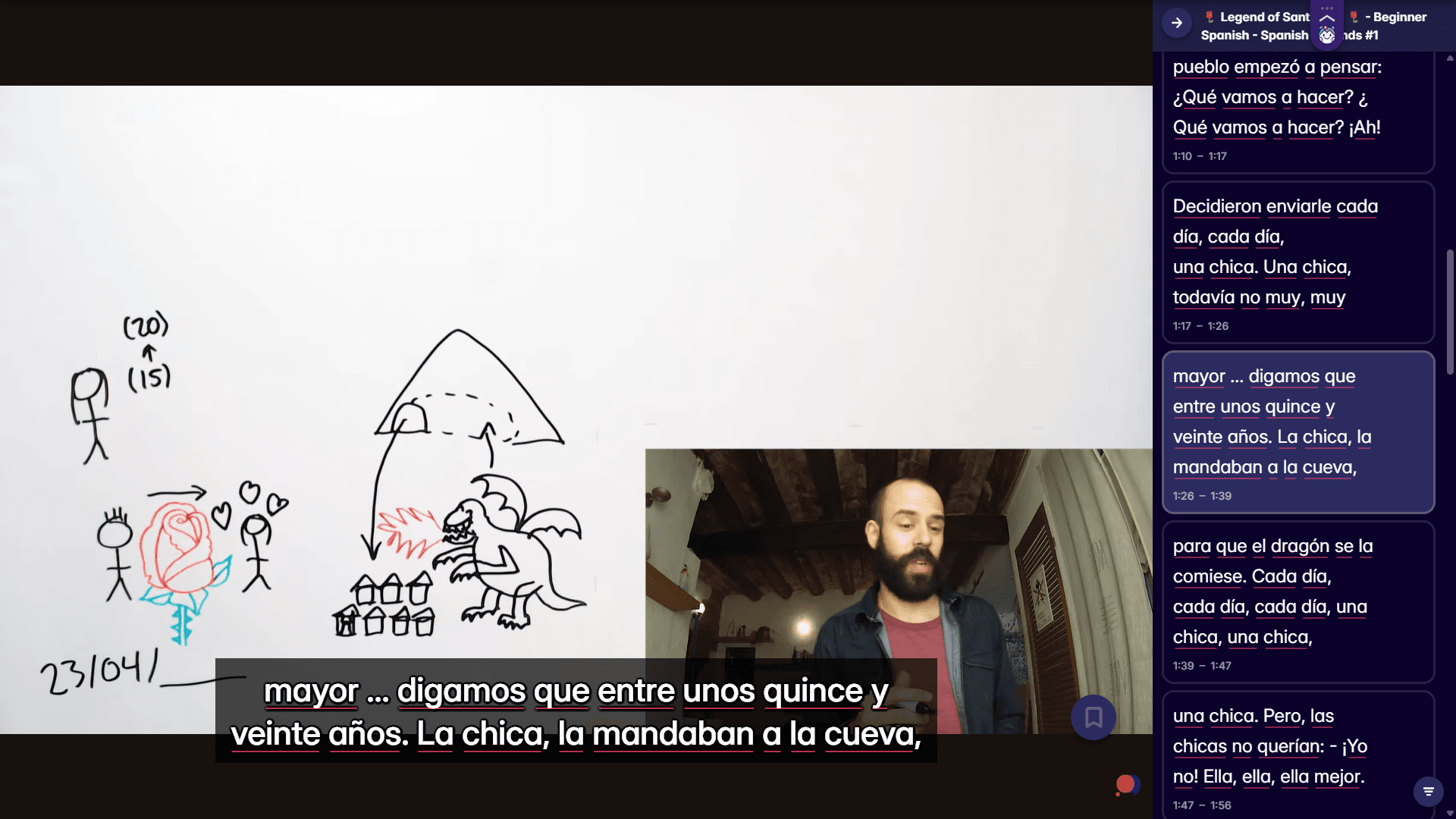
Anyway, if you want to actually use this Spanish technology vocabulary with real content, Migaku's browser extension and app let you look up words instantly while watching Spanish tech videos or reading articles. Makes learning from authentic Spanish sources way more practical. There's a 10-day free trial if you want to check it out.
 ----
## Why Spanish technology vocabulary matters in 2026
The internet doesn't care about borders. You might be reading Spanish software documentation, collaborating with developers in Mexico, or just trying to help your Spanish-speaking neighbor fix their computer. Tech vocabulary comes up constantly in real conversations, and you will definitely encounter these words when watching Spanish videos, dramas, movies, or documentaries.
> If you consume media in Spanish, and you understand at least some of the messages and sentences within that media, you will make progress. _Period_.
Language evolves constantly. Keep yourself updated!
----
## Why Spanish technology vocabulary matters in 2026
The internet doesn't care about borders. You might be reading Spanish software documentation, collaborating with developers in Mexico, or just trying to help your Spanish-speaking neighbor fix their computer. Tech vocabulary comes up constantly in real conversations, and you will definitely encounter these words when watching Spanish videos, dramas, movies, or documentaries.
> If you consume media in Spanish, and you understand at least some of the messages and sentences within that media, you will make progress. _Period_.
Language evolves constantly. Keep yourself updated!